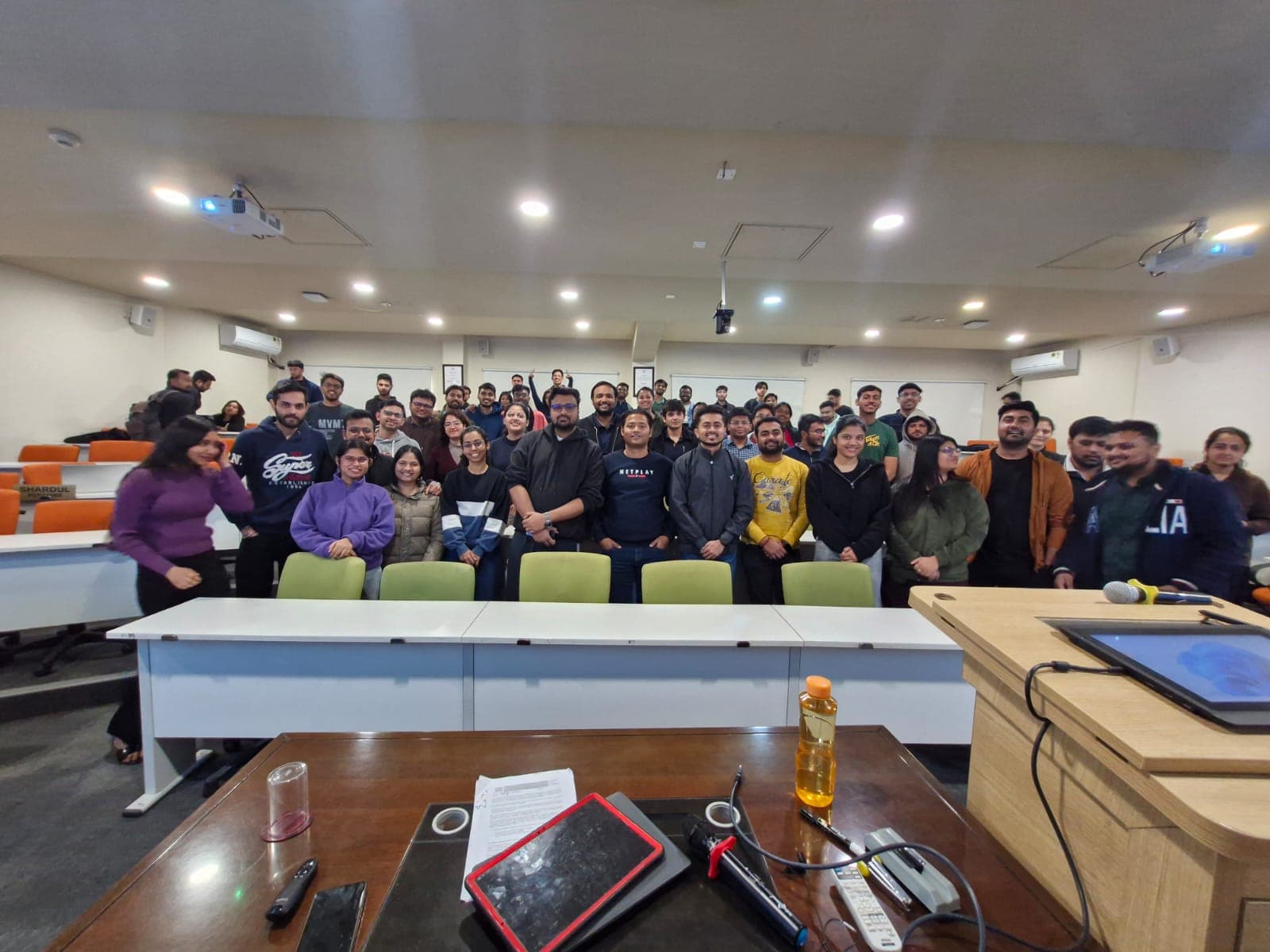
A PGDM classroom group at Great Lakes Institute of Management, Gurgaon
AI Initiatives

AI for the classroom.

I run a hands-on AI-literacy workshop for teachers and academic staff — not a lecture on what AI is, but a working session on what to actually do with it: build a lesson deck in minutes, turn a stack of scripts into rubric-aligned feedback, or train a custom assistant that answers doubts in your own voice. Five modules, real tools, one rule that doesn't move.

Before the first prompt

If an assistant drafted it in ten seconds, what exactly are you now responsible for?

  1. Would you be comfortable defending this output in front of a parent, a colleague or a student who disagreed with it?

  2. What's the one check you'd never skip, no matter how good the first draft looks?

01 / What the workshop covers

Five modules, named tools, real workflows.

Every session is hands-on: bring a real deck, quiz, rubric or spreadsheet from your own teaching, and leave with it done.

01

Create teaching materials, fast

Turn a prompt, outline or document into a polished slide deck with speaker notes, or re-level any text with vocabulary and comprehension questions built in. Generate worksheets, MCQs and quizzes matched to topic and grade, with a gamified option when it helps.

Gamma · Canva · Brisk · MagicSchool · Diffit · Quizizz · Conker · QuestionWell

Turn plain text into editable diagrams, flowcharts, mind-maps and timelines in seconds, plus AI-generated images for posters and displays — with a note on using generated images responsibly.

Napkin AI · Canva

Prompt an assistant to generate a self-checking practice puzzle — a maths maze where each correct answer chooses the next step is the example I use in the session, but the same idea adapts to fractions, times tables, spelling or vocabulary in any subject.

Your assistant of choice · Canva

02

Draft, summarise, explain

Draft, format and summarise documents directly inside Word or Docs. Turn a spreadsheet into charts plus a plain-language summary of what it actually shows.

Copilot · Julius AI

Turn a summary into a short, narrated explainer video — one to three minutes, no camera required — which works well for junior classes.

Synthesia · HeyGen

03

Prompting, properly

Know the main assistants and where each genuinely helps versus where it fails — and always verify. I teach a simple five-part frame — Role, Task, Context, Format, Example — for getting the exact output you want, then refining it with a follow-up: 'simpler,' 'in Hindi,' 'add an answer key.'

ChatGPT · Claude · Gemini · Copilot

Save the setup, not just the output: custom instructions and saved projects that store your role, tone and recurring needs, plus templates for the handful of messages you send most often.

Custom instructions & saved projects

Know when a template-driven toolkit beats open prompting, and how to get AI-assisted research with citations you can actually check — answers grounded in your own uploaded sources, not the open internet.

MagicSchool · Brisk · Perplexity · NotebookLM

04

Save time on the admin

Live meeting transcription with summaries and action items — with a consent rule stated up front, every time.

Otter.ai · Fireflies · Read AI

Formulas, cleaning and pivot tables from a plain-language request; upload a sheet and get charts plus a written summary — and always anonymise student data before it goes near a model.

Copilot for Excel/Sheets · Julius AI

05

Grade, and build your own assistant

Rubric generators, rubric-aligned feedback, question banks, Bloom's-level mapping, and gamified evaluation for any subject — with one rule that doesn't move: AI drafts, the teacher reviews, edits and owns the result.

MagicSchool · Brisk · Quizizz · QuestionWell · CoGrader

Build a custom GPT or Gemini Gem as a teaching assistant in about ten minutes — effectively a clone that answers student doubts in your own style, from your own materials. This is also where responsible use gets concrete: bias, privacy under India's DPDP Act, and who owns what the assistant produces.

Custom GPTs · Gemini Gems · Claude Projects · NotebookLM

02 / The rule that doesn't move

AI drafts. You review, edit and own it.

Every module in this workshop returns to the same rule. An assistant can produce a first draft of almost anything faster than you can type a heading — a deck, a quiz, a rubric, feedback on thirty scripts. What it cannot do is take responsibility for what goes in front of a student. That stays with the teacher, every time, no exception.

03 / Responsible use, made concrete

Three checks, every session.

  1. 1

    Bias: check generated content for skewed examples, stereotypes or an uneven difficulty curve before it reaches a class.

  2. 2

    Privacy: never paste identifiable student data into a general-purpose assistant; anonymise first, and know what your institution's policy actually permits under India's DPDP Act.

  3. 3

    Ownership: a teacher who builds a custom assistant or generates a resource is responsible for what it says — attribute, verify and be ready to explain any output you use.

Dr. Swapnil Sahoo AI Mentor

Prerecorded welcome · synthetic voice

About this video

The welcome is prerecorded, with an AI-created likeness and a stock synthetic voice. It does not answer questions. Replies below are prepared website guidance; a trained personal live replica is not connected unless explicitly offered.

Welcome transcript · Download captions

Digital guide

Hello. Watch my welcome, type a question or enable voice below. I offer prepared guidance from Dr. Swapnil Sahoo’s published materials. Learning tools help you find a path, explain a lesson or practise a decision.

Voice input and privacy

Browser voice may send audio to its speech service. Spoken replies use a standard device voice, not Dr. Sahoo’s voice. This website does not save your conversation.

Voice input is not supported here. Type your question instead.